
Launch GNOME Shell from the console
Debug Gnome Shell, or run it from the console, either for plugin development or troubleshooting.
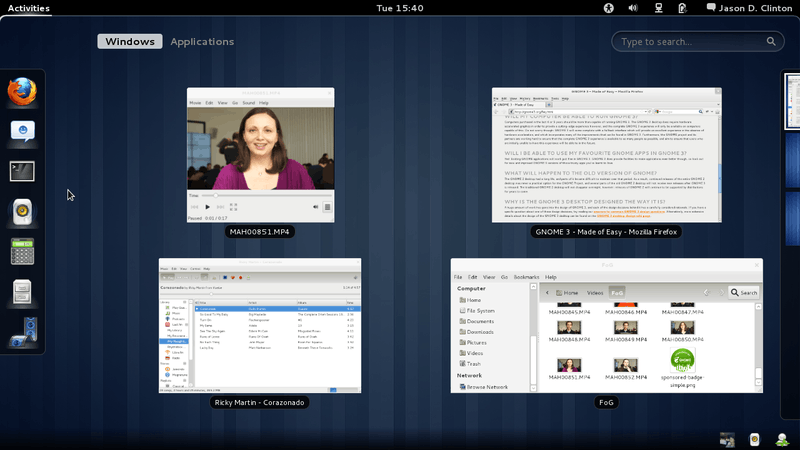
If you want to debug what is happening in the new GNOME Shell you may find it useful to launch it from the console. You can do this as follows –
- Switch to the console using
Ctrl Alt F1 - Type "w" to find your display (usually it's
:0.0) - Export your display (usually with
export DISPLAY=:0.0) - Restart gnome shell from the console by typing
gnome-shell --replace - Go back to your display using
Ctrl Alt F7
Subscribe to my monthly newsletter
No spam, no sharing to third party. Only you and me.
Member discussion