
Install Homebrew Package Manager for MacOS
Homebrew is the easiest and most flexible way to install the UNIX tools Apple didn't include with OS X.
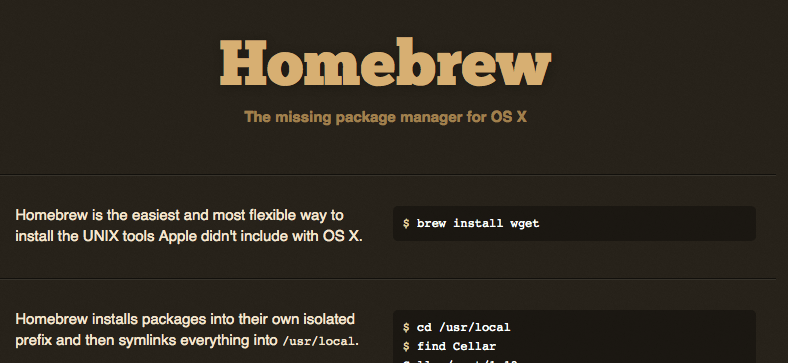
Homebrew is the easiest and most flexible way to install the UNIX tools Apple didn't include with OS X. It provides a simpler alternative to MacPorts, installing under an isolated non-root prefix, symlinked to /usr/local
☝️
You do not need to use
sudo when using Homebrew as software is installed to a non-root prefix.Requirements
- An Intel-based Mac
- OS X 10.5 or higher
- Command Line Tools for Xcode or Xcode with X11
- Java Developer Update
Open up Terminal.app to get a shell prompt. Copy & paste the following line at the prompt:
/usr/bin/ruby -e "$(/usr/bin/curl -fksSL https://raw.github.com/mxcl/homebrew/master/Library/Contributions/install_homebrew.rb)"☝️
No need to use
sudo!Once installed you can install any software you like as follows:
$ brew install wget