
Installing Google Earth on Ubuntu
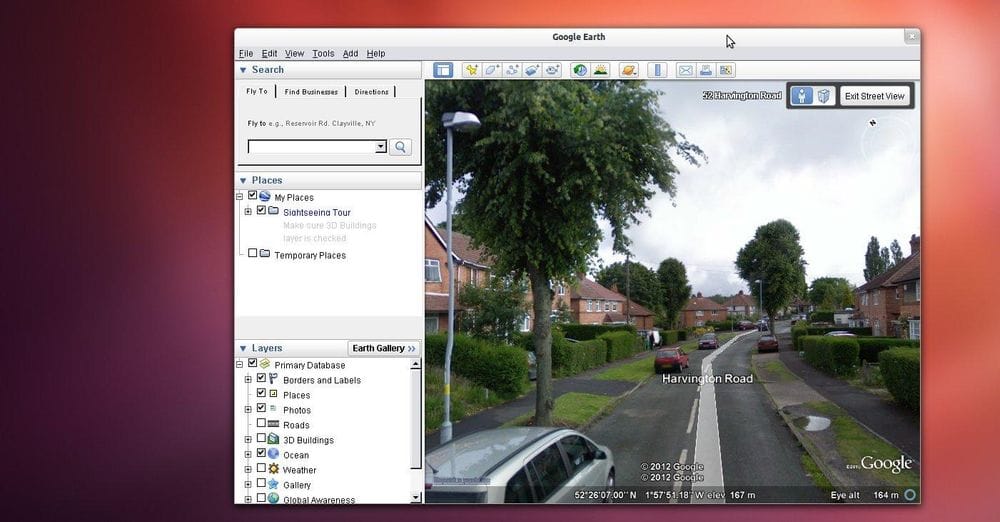
Install the latest version of Google Earth for Ubuntu Linux direct from Google sources.
Open a terminal window to perform the installation (Ctrl-Alt-T) then enter the following at the prompt:
wget http://dl.google.com/dl/earth/client/current/google-earth-stable_current_i386.deb
For 64bit architecture use the following & change the filename in the subsequent commands.
wget http://dl.google.com/dl/earth/client/current/google-earth-stable_current_amd64.debYou will see a progress bar as the download completes. This is a perfect time for a cup of tea. Next install the downloaded .deb package:
sudo dpkg -i google-earth-stable_current_i386.deb
If you get errors with this command due to missing dependencies you can 'force' install of Google Earth and missing dependencies with sudo apt-get install -fYou should now have a fully functional Google Earth!